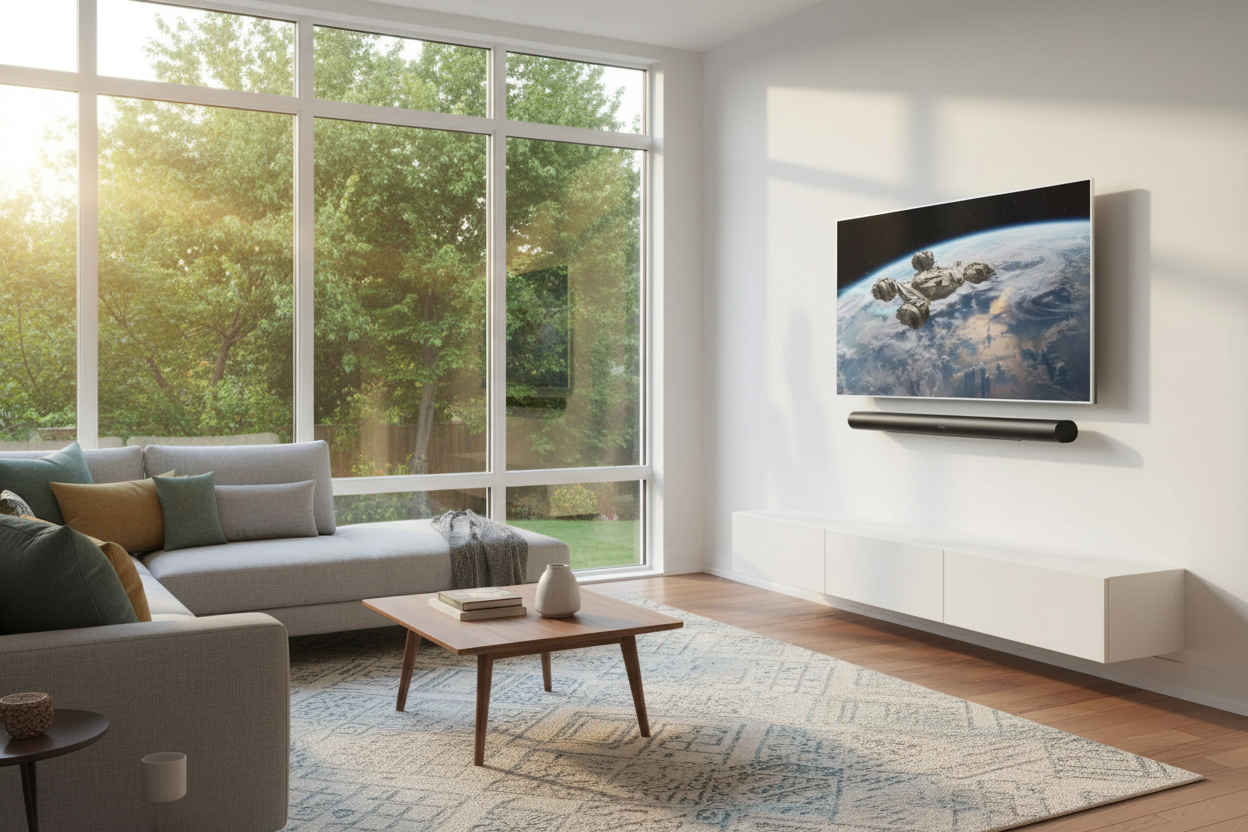
Whole-Home Audio for Canadian Homes: Building a Sonos Surround Sound System Room by Room
Key Takeaways
- A Sonos Arc Ultra paired with a wireless Sub and two rear speakers gives you genuine Dolby Atmos surround sound — no AV receiver, no speaker wire across the floor.
- The Arc Ultra on its own is already a major upgrade over TV speakers, and you can add the Sub and rears later whenever it makes sense.
- For rooms where speakers should disappear, a Sonos Amp drives hidden in-wall or in-ceiling pairs from a closet — every zone shows up in the same app as the TV system.
- You stream music from your phone through apps like Spotify, Apple Music, or Amazon Music. Once it’s playing, anyone on the Wi-Fi can control it — no re-pairing, no Bluetooth range limits.
The Problem Most Canadian Homeowners Hit
You want better sound — in the TV room for sure, but also in the kitchen, the bedroom, maybe the patio. The traditional answer was an AV receiver, a tangle of speaker wire, and a system only one person in the house could operate. The modern answer is simpler: a Sonos system that starts with your TV and grows room by room.
The real value isn’t any single speaker. It’s that the soundbar in the great room, the hidden speakers in the kitchen ceiling, and the small speaker on the bedroom nightstand all live in one system. You pick what to play from the Sonos app on your phone — Spotify, Apple Music, Amazon Music, your own library, podcasts — and send it to any room or group of rooms. Because it runs on Wi-Fi rather than Bluetooth, the music keeps playing when you walk away with your phone, and anyone else in the house can take over control from their own device.
How This Enhances Your Daily Life
Movie night: the Arc Ultra fills the room with Atmos while two Era 300s behind the sofa put you inside the soundtrack. Afterward, one tap in the app sends a playlist to the kitchen and patio while you clean up. Saturday morning, the bedroom Era 100 plays a podcast at low volume while the rest of the house stays quiet. As one homeowner with a multi-room setup put it after switching from Bluetooth speakers: the music just follows you through the house without having to re-pair anything.
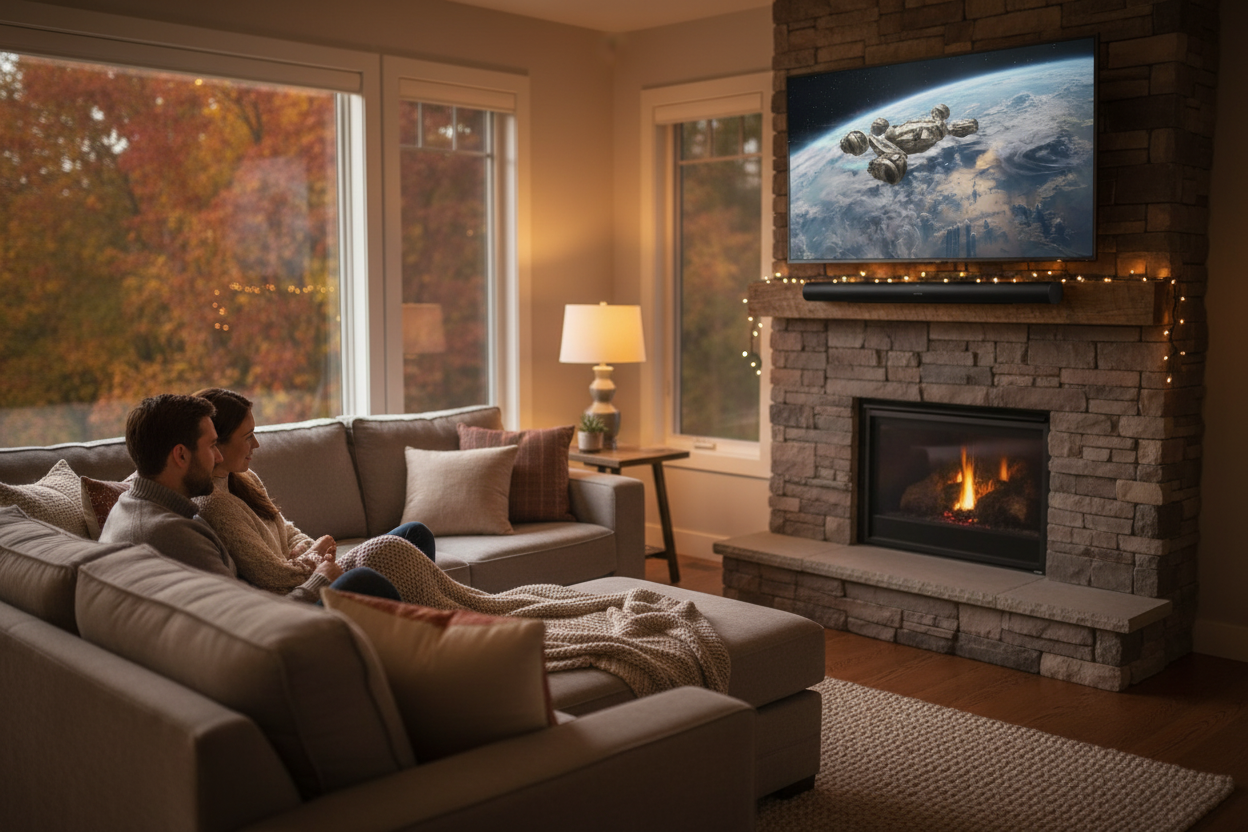
Option 1: Full Surround Sound
This replaces a traditional AV receiver for most homes.
The soundbar: a Sonos Arc Ultra under your TV, connected by one HDMI cable (eARC for full Dolby Atmos, or standard ARC on older TVs). Fourteen drivers handle front, centre, and height channels. Speech Enhancement cleans up dialogue; Night Sound compresses the mix for late-night viewing.
Add the Sub: Sonos Sub connects wirelessly — place it anywhere in the room. The bass improvement is immediate and it lets the soundbar focus on mids and highs.
Add rear speakers: for the best result, in-wall or in-ceiling speakers behind the seating area driven by a Sonos Amp — invisible and permanent. If pre-wiring is not an option, two Era 300s or Era 100s on stands behind the sofa are an easy retrofit. Era 300s add up-firing Atmos height channels for a full spatial experience; Era 100s give solid stereo surround at a lower cost.
No receiver, no speaker wire across the room. Everyone in the house controls it from the Sonos app or by voice — Sonos Voice Control works on-device in English and French in Canada, with Alexa and Google Assistant also supporting both languages.
Option 2: Start With the Soundbar
Not ready for the full setup? The Arc Ultra on its own is a dramatic step up from TV speakers. Trueplay tuning (requires an iOS device) calibrates it to your room. For most evenings — streaming, hockey, background music — it’s more than enough.
Adding the Sub later is a five-minute wireless pairing. Rears come whenever you’re ready. Sonos doesn’t penalize you for building incrementally — one of the real strengths of the system.
For a secondary TV in a bedroom or basement, the Sonos Beam is the smaller soundbar option — same app, same ecosystem.
Expanding Beyond the TV Room
Rooms where speakers should vanish — kitchen ceilings, ensuites, hallways, patios — get a Sonos Amp in the media closet driving a pair of in-wall or in-ceiling speakers. Sonos In-Wall speakers by Sonance have paintable grilles that disappear into drywall. One Amp per zone, CL2/CL3-rated cable per Canadian Electrical Code, and the room appears in the app alongside your TV system.
Rooms where a shelf speaker is fine — bedrooms, offices, guest rooms — an Era 100 plugs in and connects to Wi-Fi. No wiring, no install. Two Era 100s pair for stereo and can even serve as audio output for an Apple TV or streaming device in a room that doesn’t need a full soundbar.
Every zone groups or separates in the app. Kitchen and patio playing dinner music while the kids watch a movie in the great room — all from one system, all controlled from any phone on the network.
Tying It Into Your Smart Home
If you’re running Lutron RadioRA 3 whole-home lighting or motorized shades, Sonos fits into the same control layer. One Sunnata keypad scene can dim lights, lower shades, and start the playlist — one tap, everything moves together. Control4 also offers certified Sonos integration on its touchscreens.
Where to Start
Pick the room that bothers you most — usually the TV room. Arc Ultra plus a Sub is the most common first step. Add rears and expand to other rooms at whatever pace makes sense.
FAQ
What do I need for Sonos surround sound?
An Arc Ultra soundbar (HDMI to your TV), a Sonos Sub (wireless), and two rear speakers — Era 100s or Era 300s placed behind the sofa. No AV receiver needed.
How do I play music on Sonos?
Through the Sonos app on your phone. It connects to Spotify, Apple Music, Amazon Music, and dozens of other services. Pick a song, pick a room (or group of rooms), and it plays over Wi-Fi. Anyone on the network can control playback from their own phone.
Can I start with just the soundbar and add more later?
Yes. The Arc Ultra works on its own. Add the Sub, then rears, then other rooms — each piece pairs wirelessly through the app.
Do in-wall speakers need pre-wiring?
Yes. In-wall and in-ceiling speakers are passive — they need speaker cable run from a Sonos Amp in a closet. Plug-in speakers like the Era 100 just need a power outlet and Wi-Fi.
Does Sonos work with Lutron lighting and shades?
Yes. Lutron RadioRA 3 and HomeWorks QSX integrate at the keypad level — one scene controls lights, shades, and Sonos together.